Lumentime
Turn your screen into a custom lamp.
Choose a color, adjust the brightness, add a sound and set a timer. Save your setup for the next time you want it.


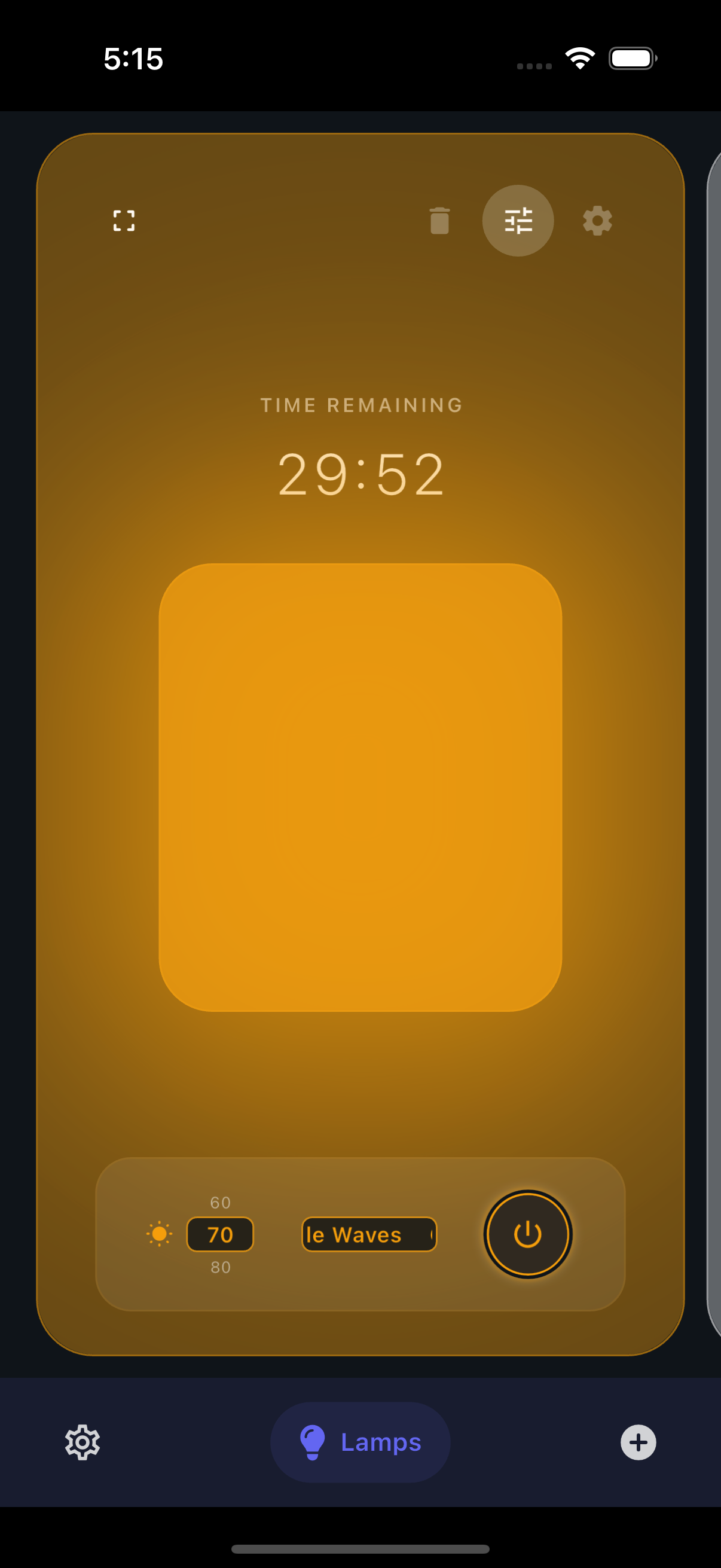
Adjust the light your way.
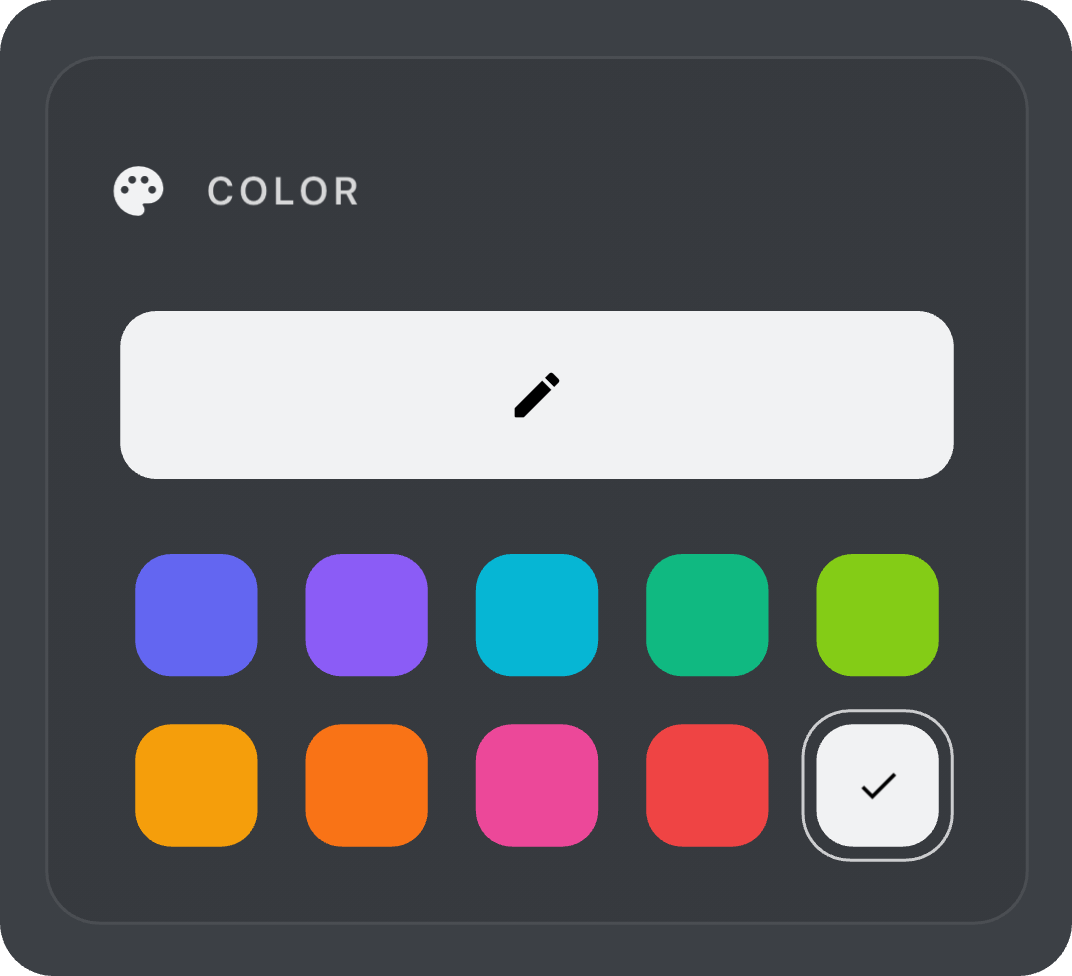
Turn your lamp on and set the brightness with the dial. Pick a color that suits the moment, from a warm amber to a cool blue.
Save the color, brightness, sound, timer and style together, ready for next time.
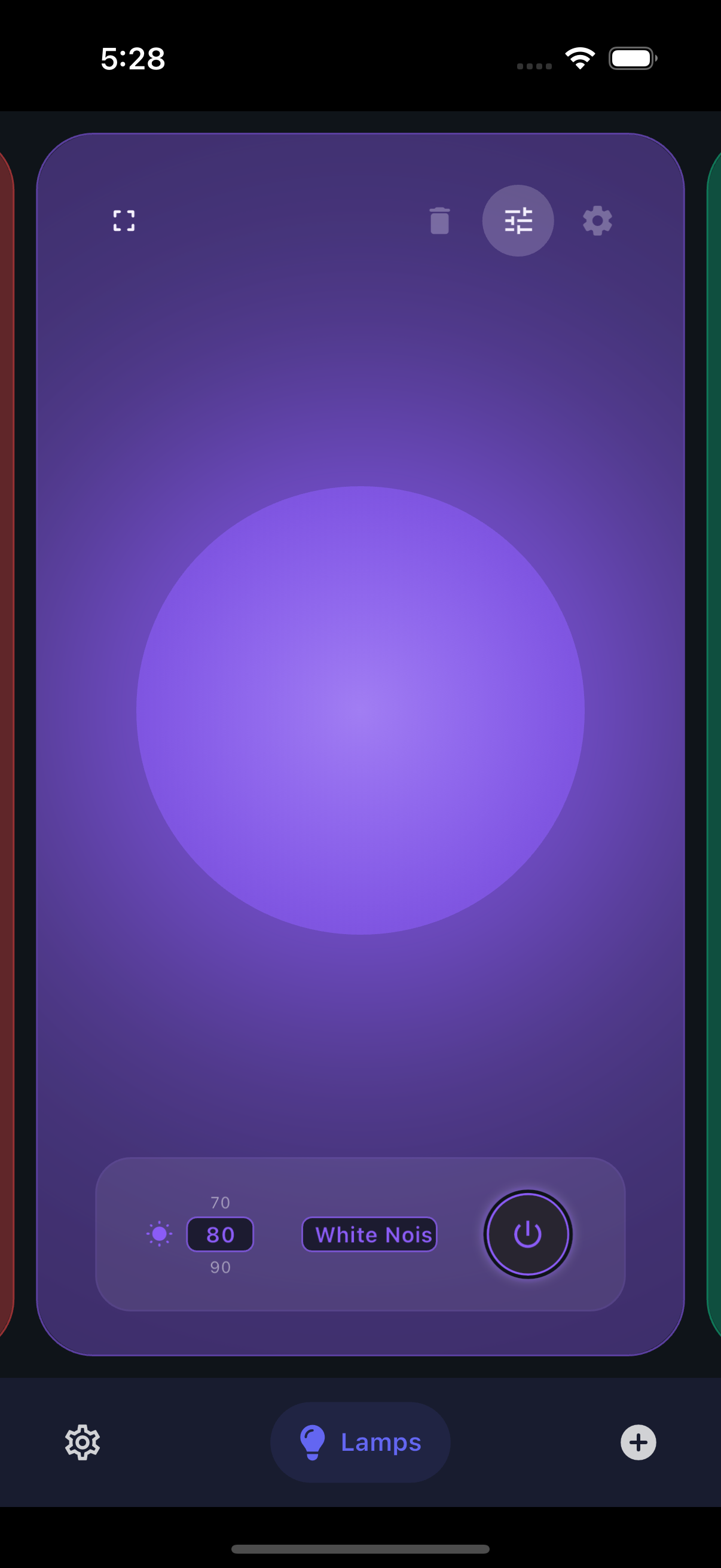
Choose your lamp style.
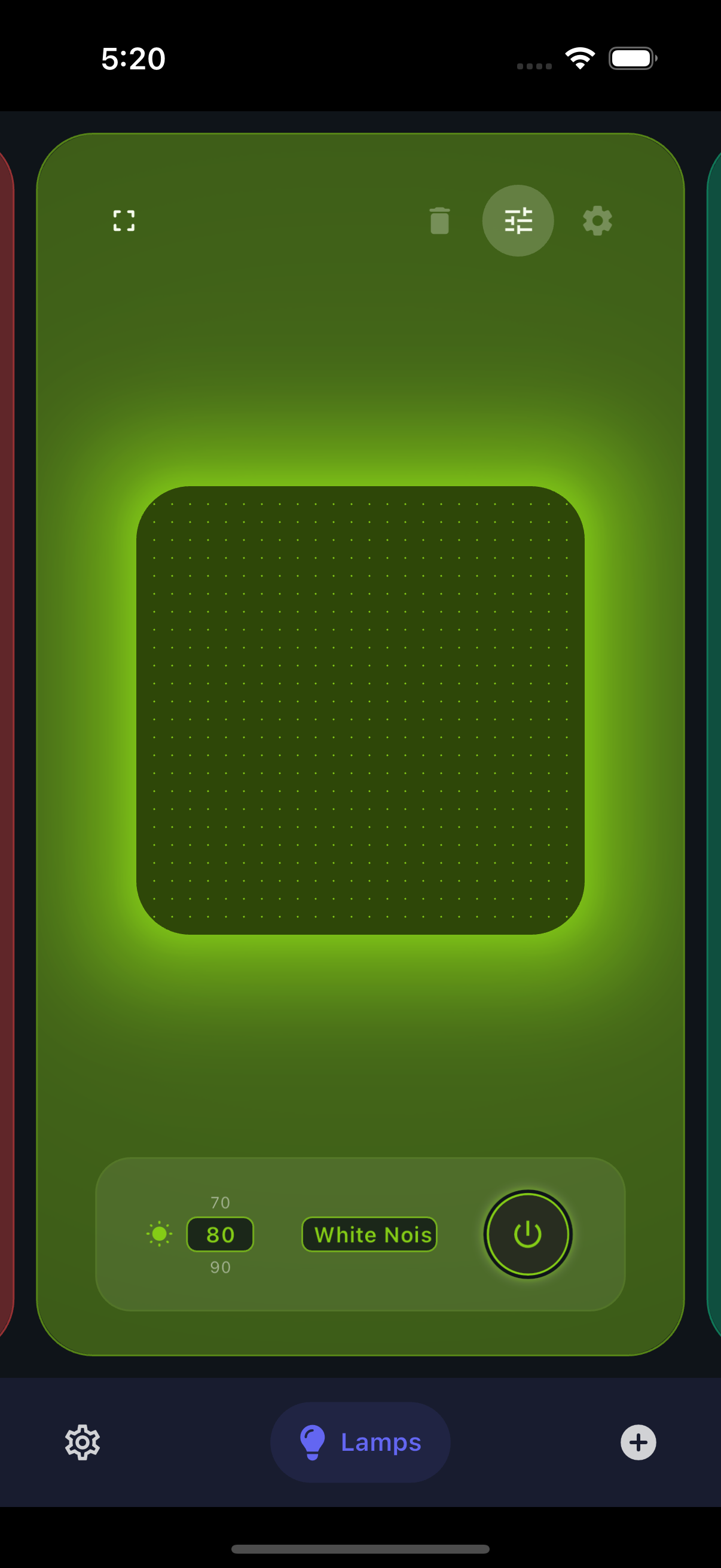
Try the glow of LED, the texture of Glass, a custom Neon sign or the simple shape of an Orb.
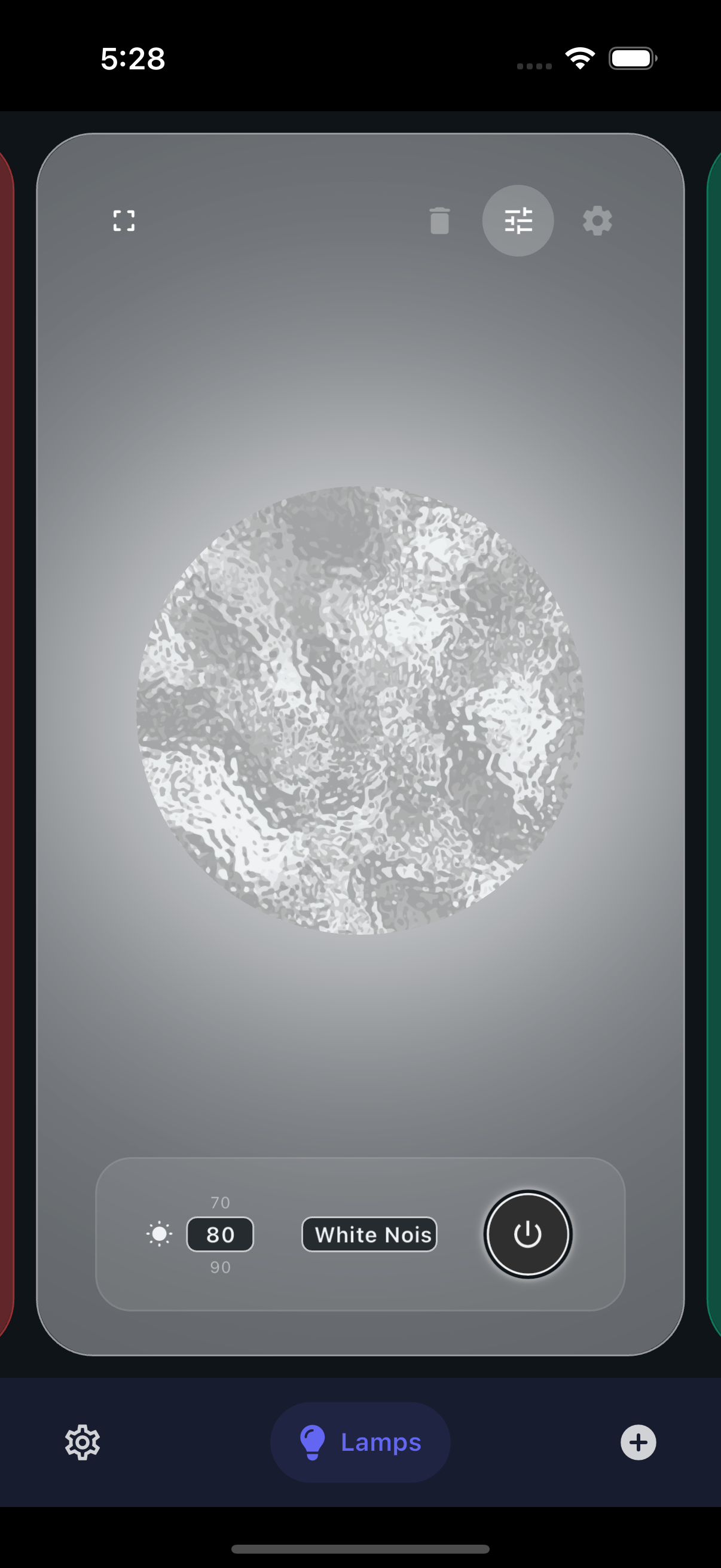
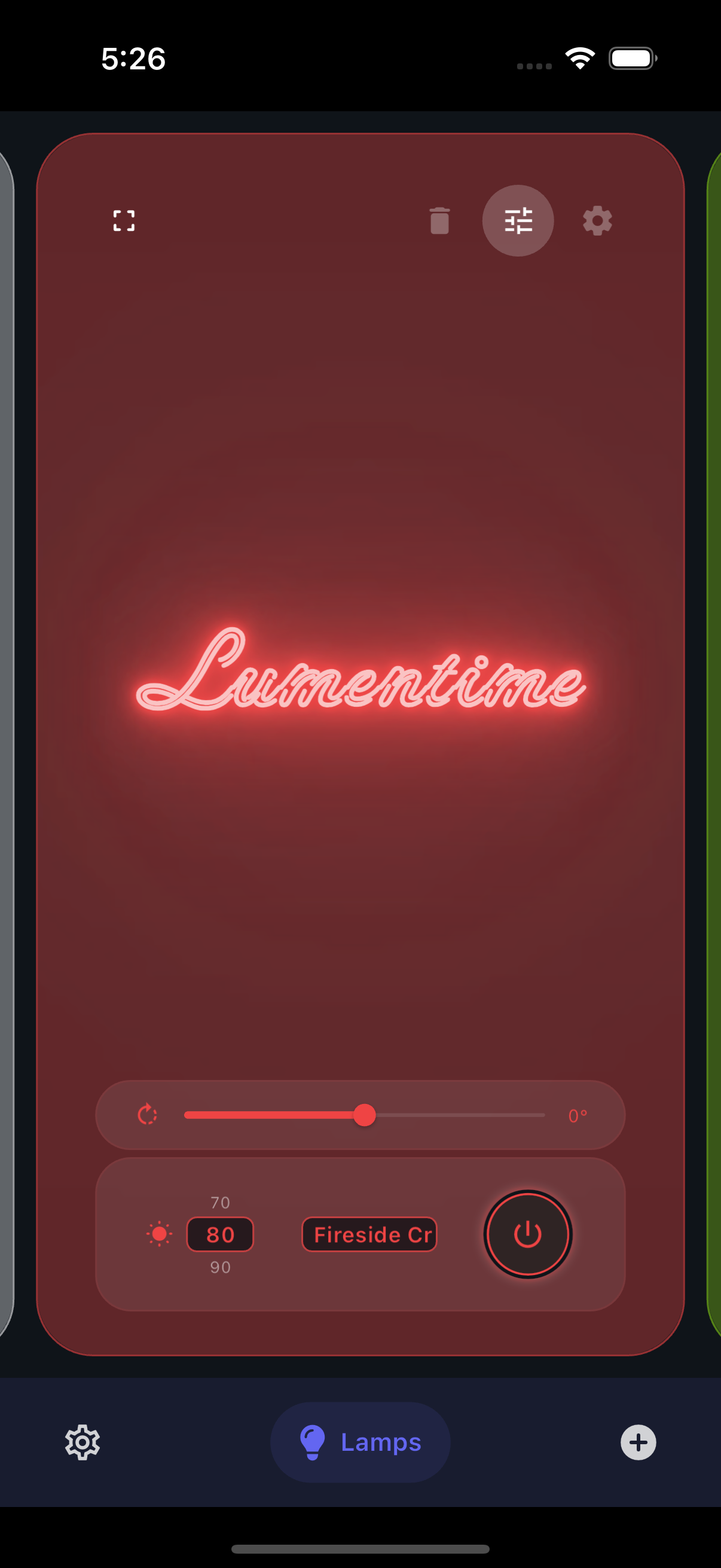
Add sound. Set a timer.
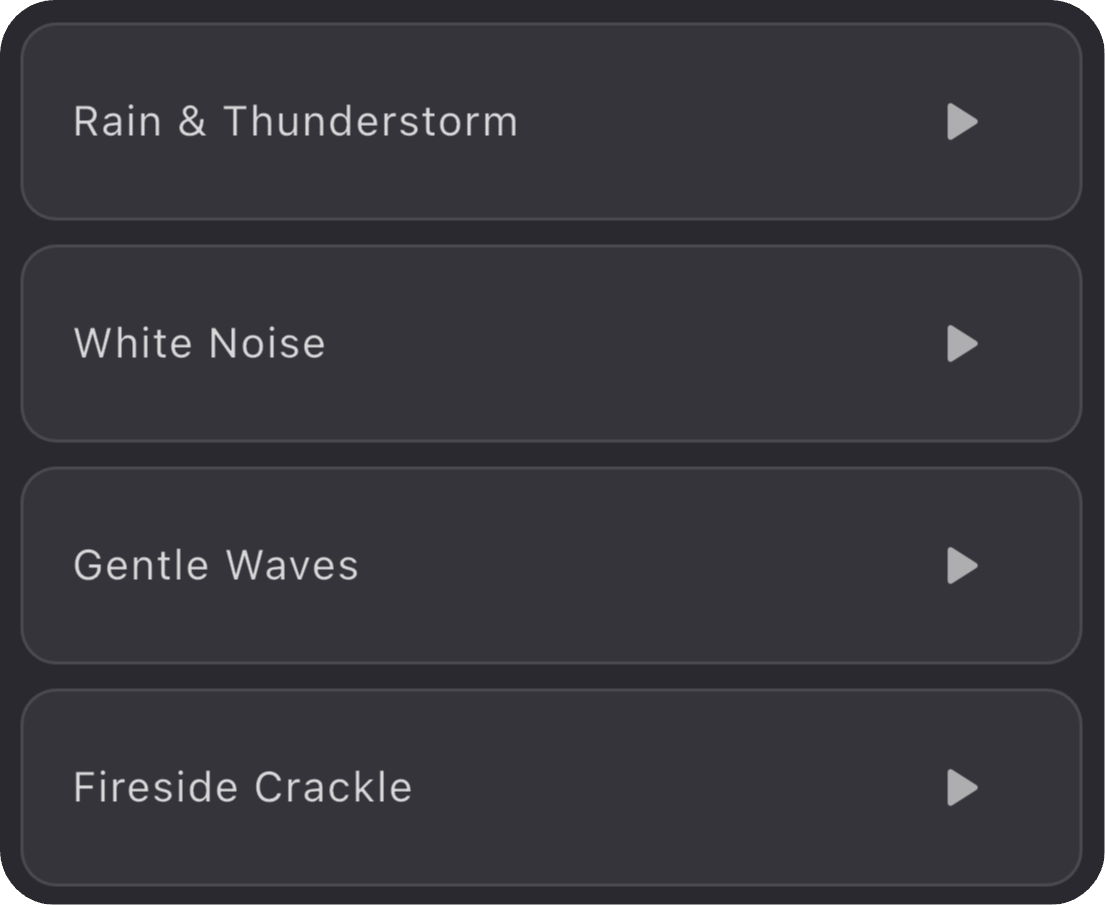
Pair your light with rain, white noise, gentle waves or a fireside crackle.
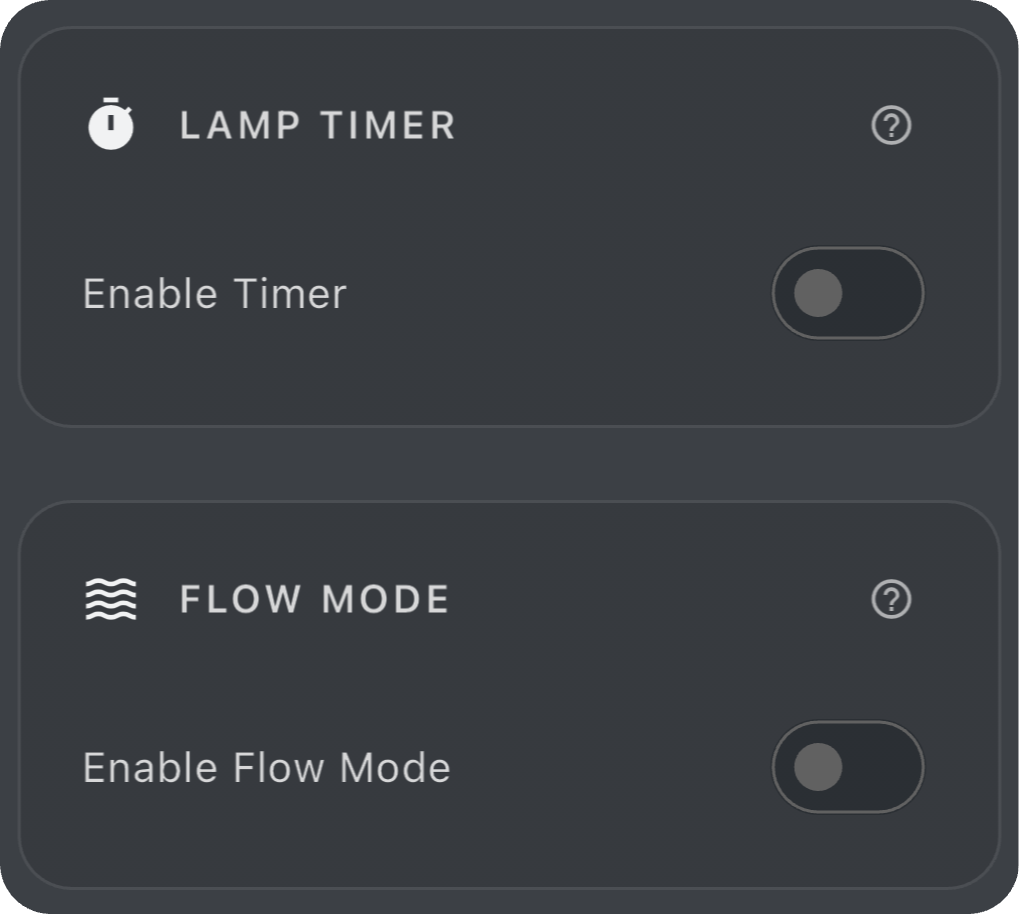
Set a timer and let the light gradually dim and switch off. Flow mode gently raises and lowers the brightness in a slow breathing rhythm.
What our users say.
Beautiful app. Sometimes I just keep it on desk for mood light. Timer is handy.
Incredible UX. I use this app to meditate and entertain my kid. it's got very cool lighting features. it can be used if you can't sleep in extreme darkness too.
I have trouble falling asleep at night and this all on my bedside table is the perfect lamp i could’ve asked for. It has soothing sounds as well.
FAQs
Can I use my phone or tablet as a night lamp?
Yes. Lumentime uses your screen as a customizable light. Choose a color and brightness for a bedside lamp, reading light, or mood light.
Can I save different lamps for different routines?
Yes. Save complete setups with color, brightness, timer, sound and lamp style, ready to use again.
Which lamp styles can I choose?
Choose a Full lamp or styles including LED, Glass and Neon. The app also offers appearances such as the Orb shown above.
Can I make a neon sign with my own text?
Yes. Use the Neon lamp with your own text for a sign, photo background or personal display.
Does Lumentime have a sleep timer?
Yes. Set a timer for your lamp. Auto-dimming gradually fades the light and switches it off when the timer finishes.
Can I play rain, ocean, or white noise with my lamp?
Yes. Pair your light with ambient sounds, including rain, waves, white noise and fireside crackle.
What does Flow mode do?
Flow mode gently raises and lowers the light in a slow breathing rhythm, giving you a visual pattern for breathing exercises or winding down.
Can Lumentime control my screen brightness?
Yes. You can let the lamp control device brightness so the screen light matches the level you select in the app.
Can I use a lamp in full screen?
Yes. Full screen mode fills the display edge to edge and moves the controls out of the way while the lamp is showing.
What’s free, and what does Pro include?
Free includes two saved lamps on both iOS and Android, the Full lamp type, a basic timer, a starter set of ambient sounds, and full screen mode with ads. Pro is a one-time purchase with no subscription. It adds unlimited saved lamps, all lamp types, auto-dimming, Flow mode, the full ambient sound library and an ad-free experience.
Does Lumentime require an account?
No signup or login is required. Open the app and set up your lamps; saved lamp configurations stay on the device where you created them.
Lumentime
Make your next lamp.
Choose your light, add a sound and make it yours.