Lumentime turns your phone or tablet screen into a virtual lamp. Choose a color and brightness, add ambient sound and set a timer. Save the setup so you can open the same lamp again later.
A dim screen can be useful when you want a little light without leaving a lamp on all night. A sleep timer lets you choose when the light switches off.
Choose a color and brightness
Open Lumentime and create a lamp. Pick a color, turn the lamp on and adjust the brightness with the dial. Choose a level that feels comfortable in your surroundings.
You can let Lumentime control device brightness and use full screen to move the controls out of the way. The light comes from your screen, so the result depends on your device and the room.
Save your color, brightness, sound, timer and lamp style together when you want to reuse the setup.
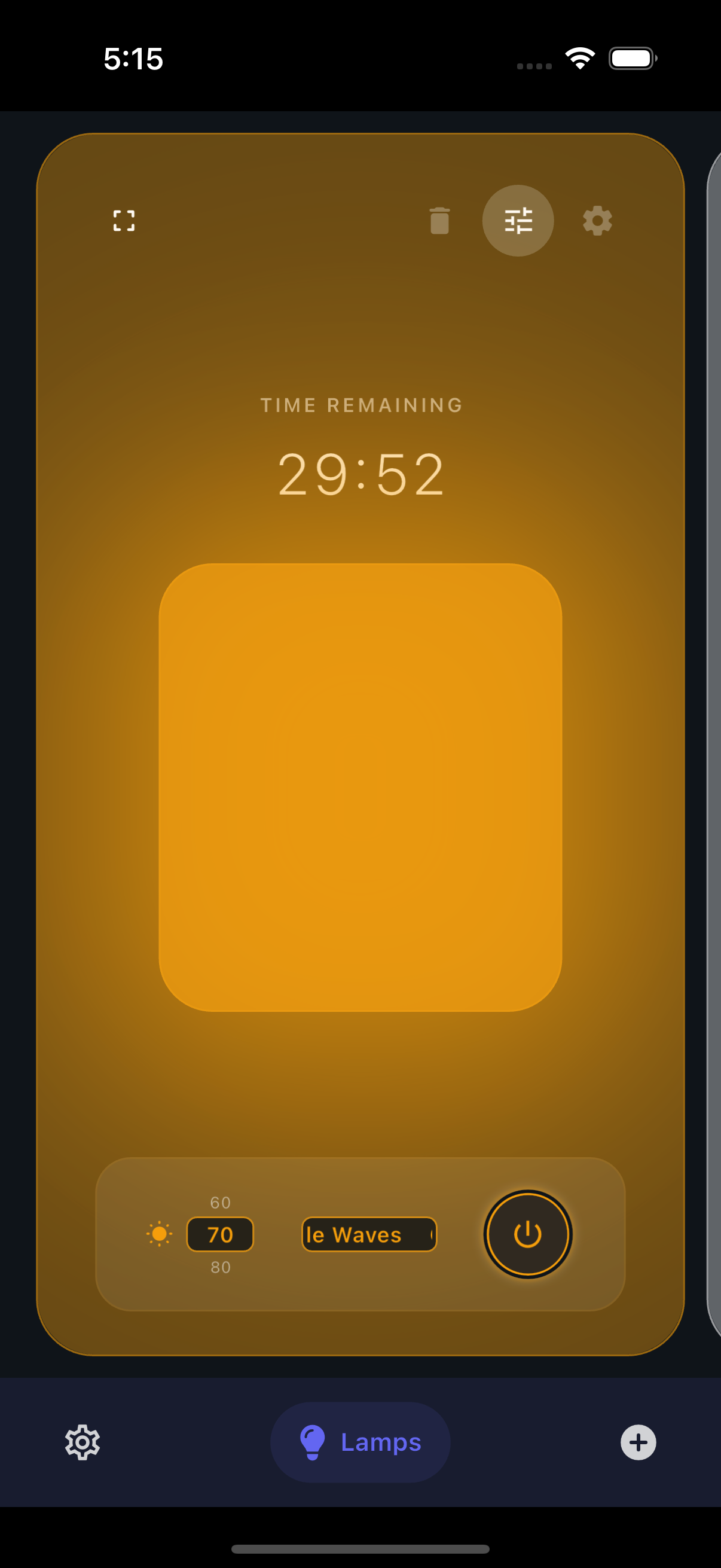
Set a timer for your lamp
Open the timer settings and choose how long you want the lamp to run. A basic timer is included in the free version.
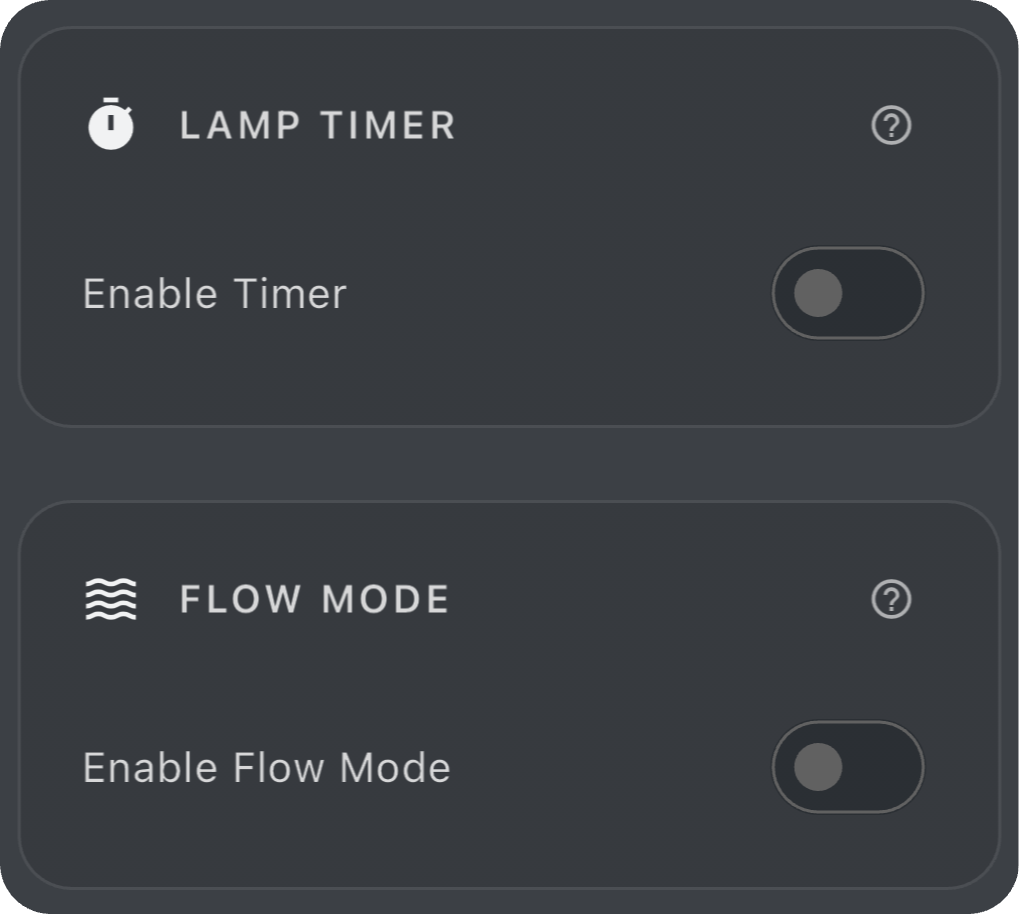
Auto-dimming gradually reduces the light and switches it off when the timer finishes. You can use it when you prefer a fading light rather than leaving the screen lamp on indefinitely.
Flow mode is a separate setting: it slowly raises and lowers brightness in a breathing rhythm.
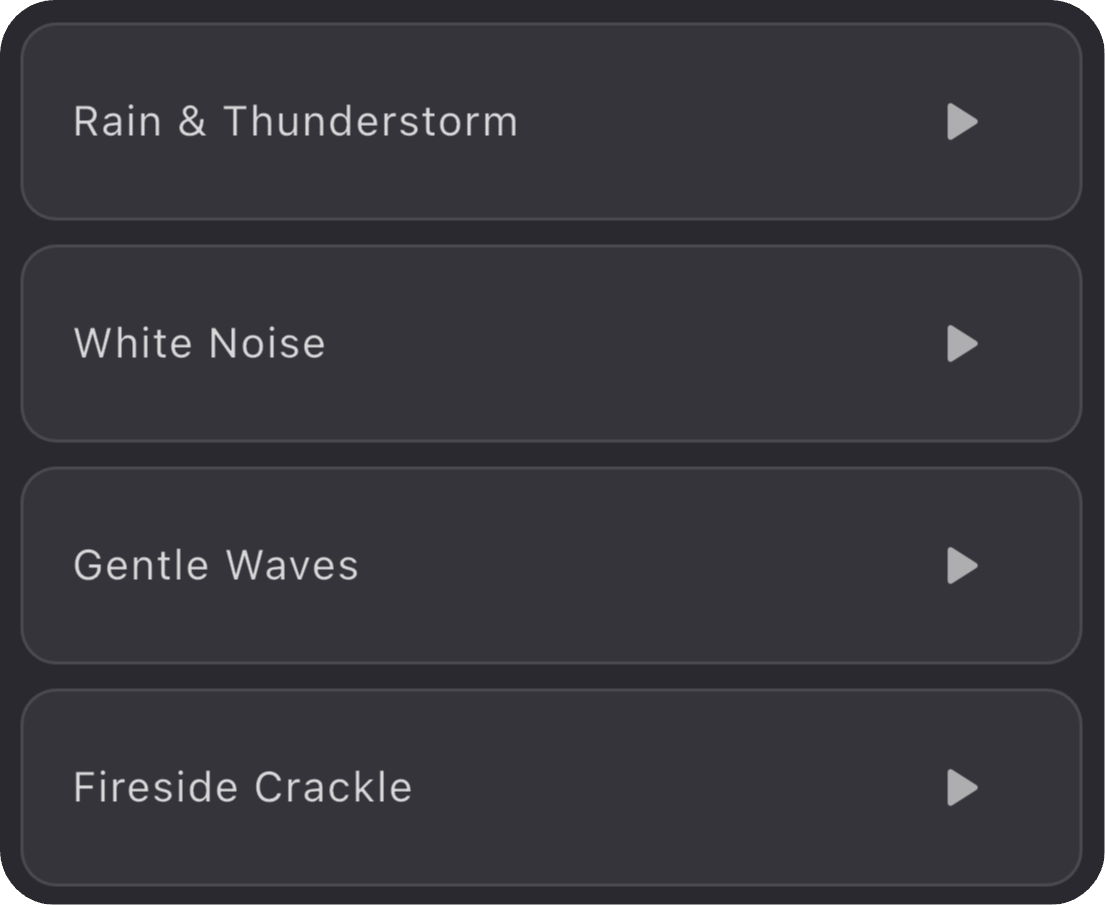
Pair your light with ambient sound
Choose a sound to accompany your lamp. Options include rain, white noise, gentle waves and fireside crackle.
The free version includes a starter sound selection, while Pro unlocks the full library. Save the sound with the lamp so you can return to the same combination.
For example, keep one setup for a quiet evening and another for background light while reading or listening to rain. Adjust it to your own preferences.
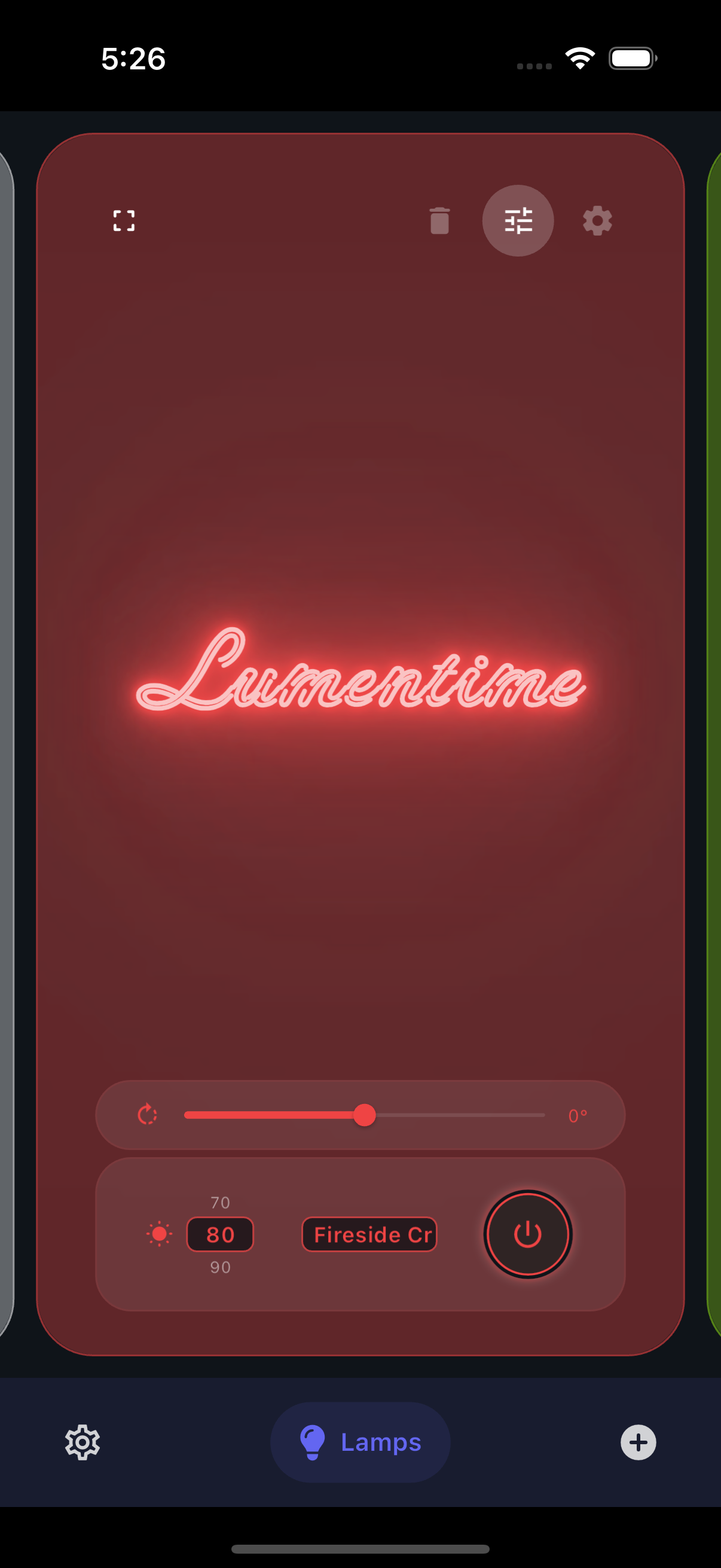
Try another lamp style
Start with the Full lamp type or explore LED, Glass and Neon styles. The current app also offers appearances such as Orb, shown on the app page.
Neon lets you enter your own text for a custom sign. Use it as a personal display or a background for a photo. A saved lamp can keep its style together with the color and brightness you chose.
Full screen is a viewing option; it is separate from choosing a lamp’s visual style.
Save lamps for different routines
Keep one lamp for a familiar color and sound, or another for a different setting. Saved configurations stay on the device where you created them. No signup or login is required.
Keep the combination that suits your surroundings, and adjust it when you want a different light or sound.
What is free, and what needs Pro?
Free includes two saved lamps on both iOS and Android, the Full lamp type, a basic timer, a starter set of ambient sounds and full screen mode with ads.
Pro is a one-time purchase with no subscription. It adds unlimited saved lamps, all lamp types, auto-dimming, Flow mode, the full sound library and an ad-free experience. Check the app for the current price.
Explore Lumentime to see the current LED, Glass, Neon and Orb appearances and download it for iOS or Android.