
Habitwise
Build habits that fit your routine.
Set your schedule, check in as you go, and see your progress in heatmaps, streaks and charts.


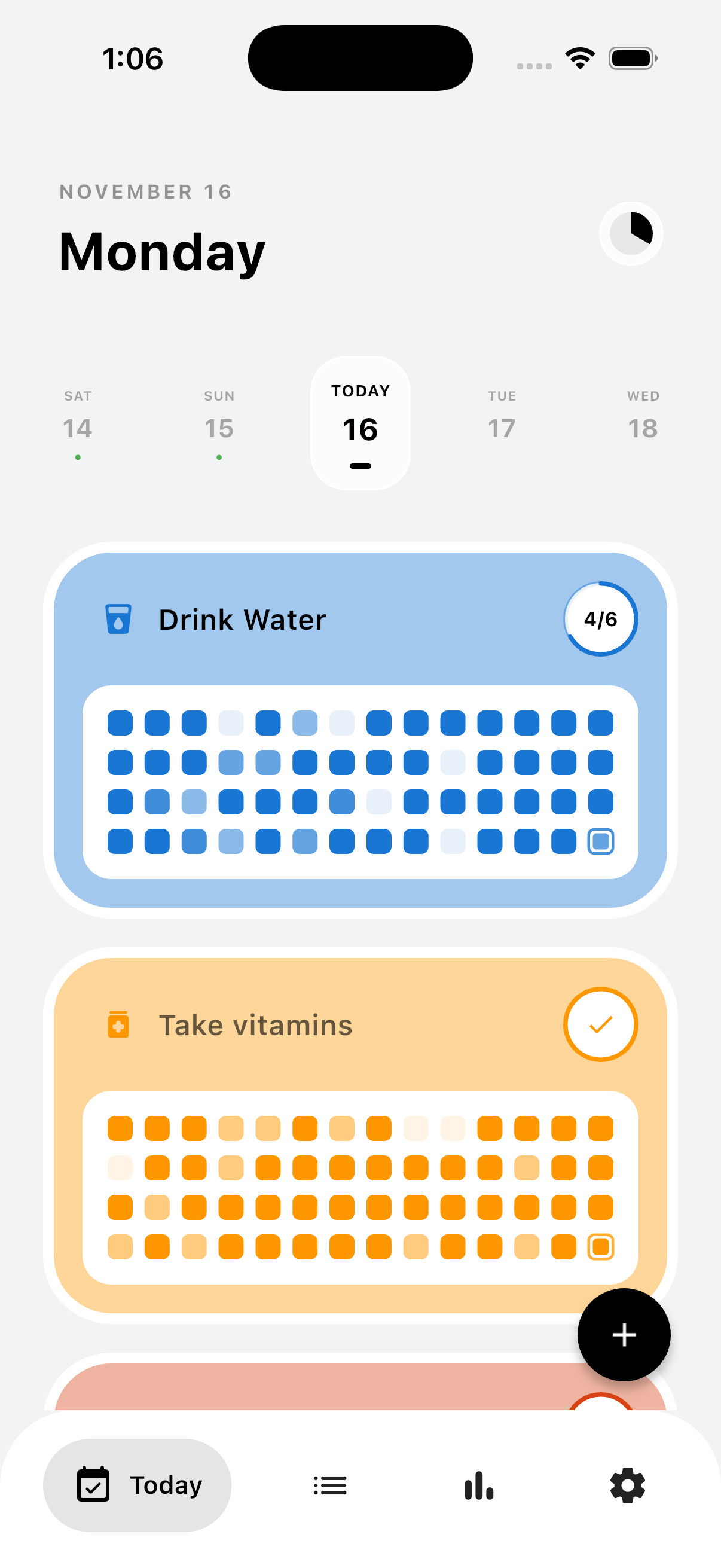
Choose when and how often.
Build a schedule around your routine. Choose daily, weekly or monthly habits, select the days that work for you, and set how many times to complete each habit.
From a weekly workout to several glasses of water a day, each habit can have its own rhythm.
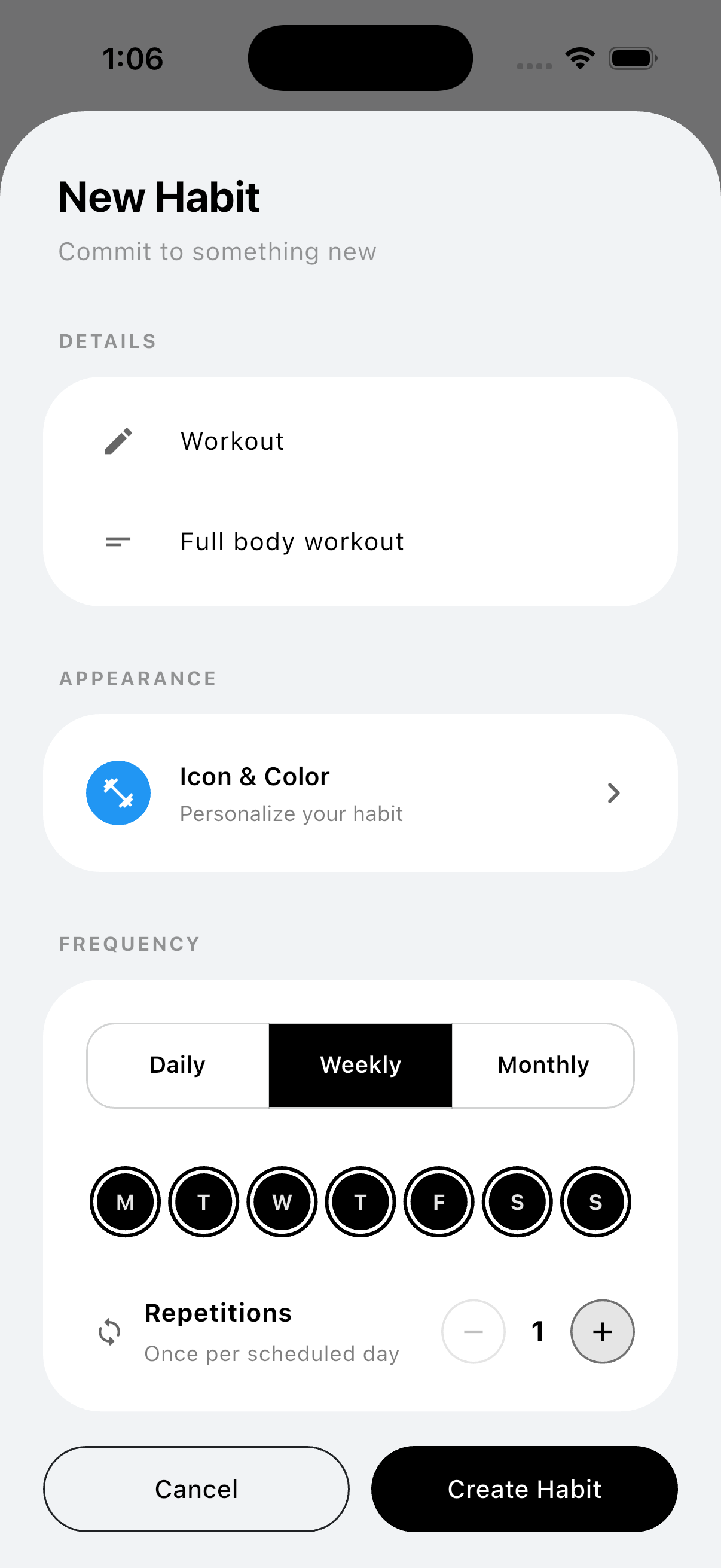
Check in with a swipe.
Swipe right to log a completion as you go. Need to fill in a missed day? Open the calendar, choose an earlier date and update your check-in.
Your history stays connected to the day it happened.
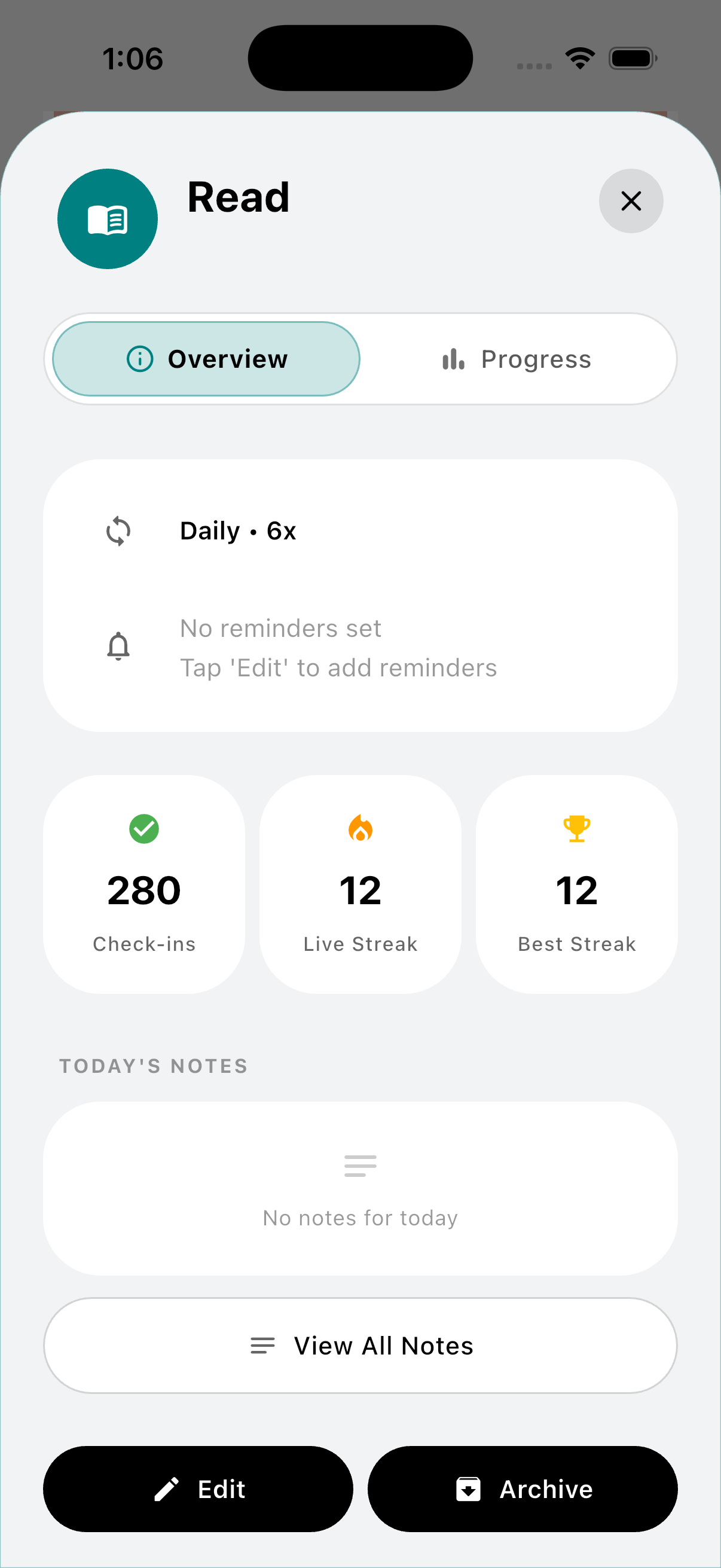
See the progress behind each habit.
Open a habit to see your check-ins, current streak and best streak. Review your history in a heatmap, chart or calendar.
Keep reminders with your habits and add notes to individual entries when you want to remember the details.
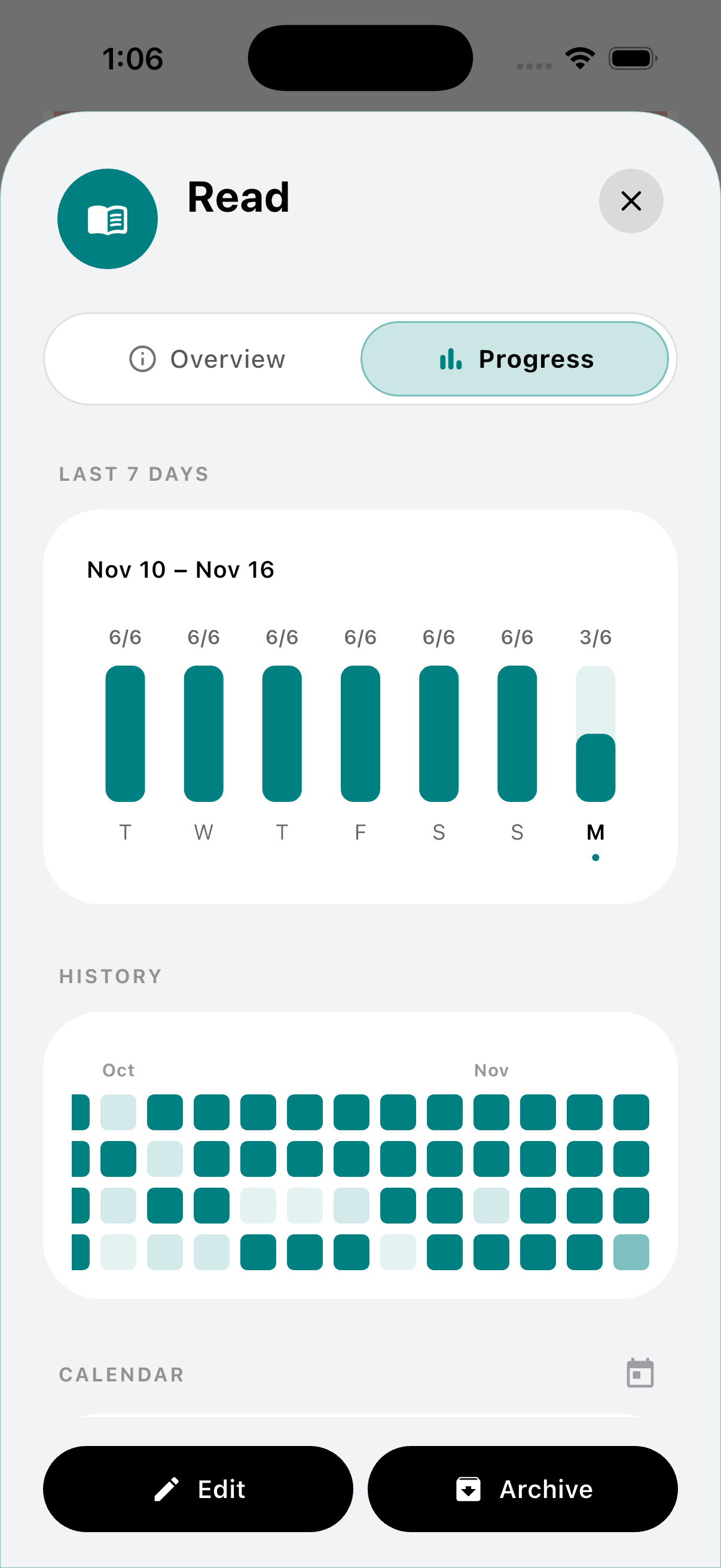
See your patterns over time.
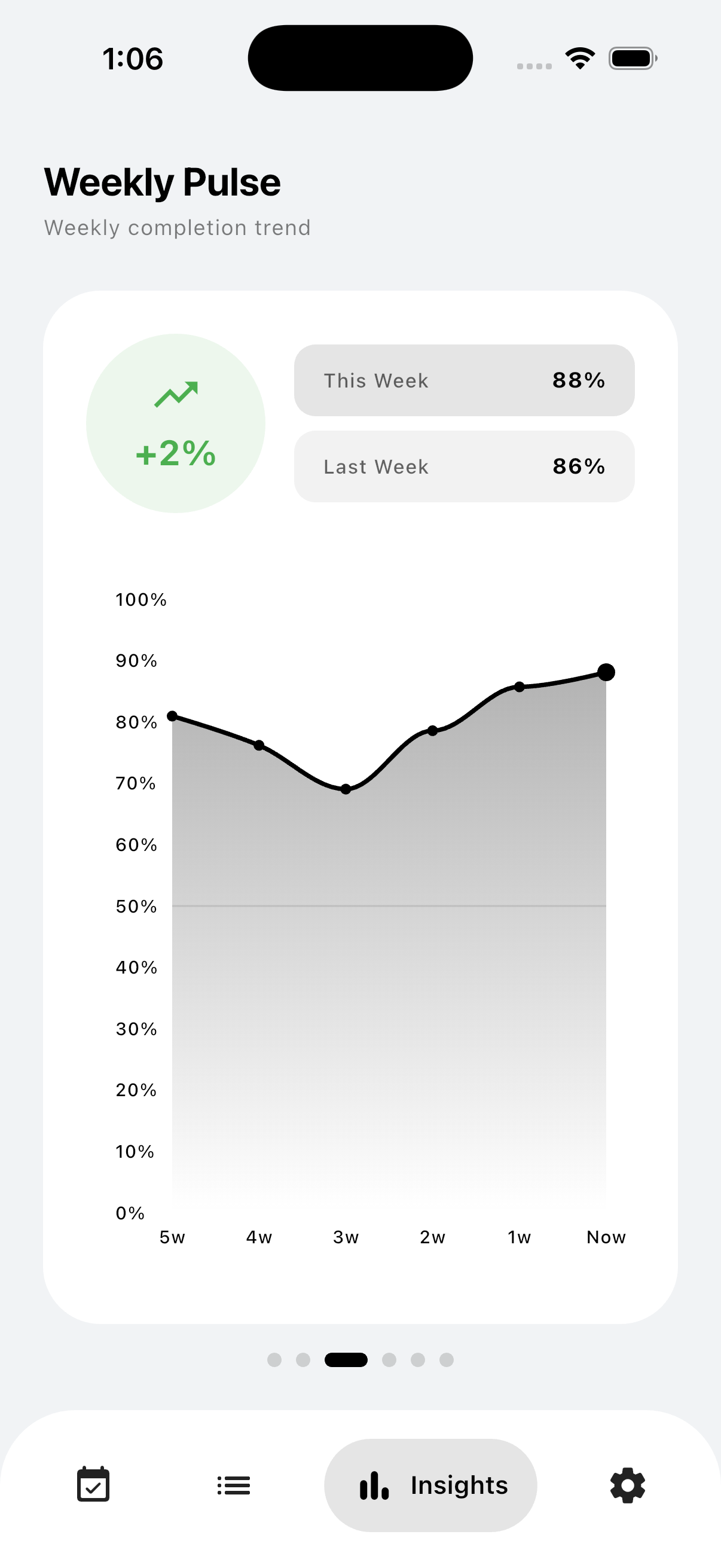
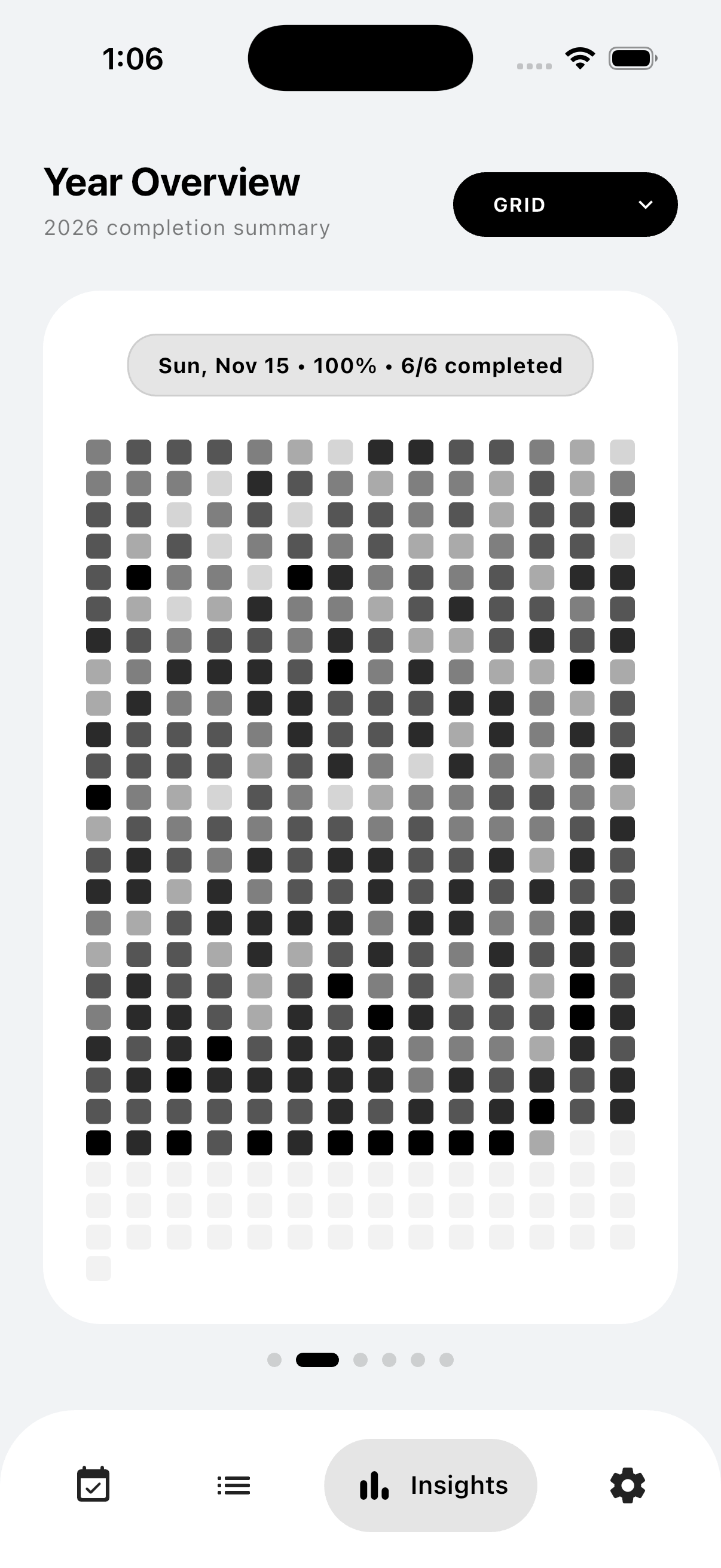
Compare your weekly completion trend, then step back and see your activity across the year.
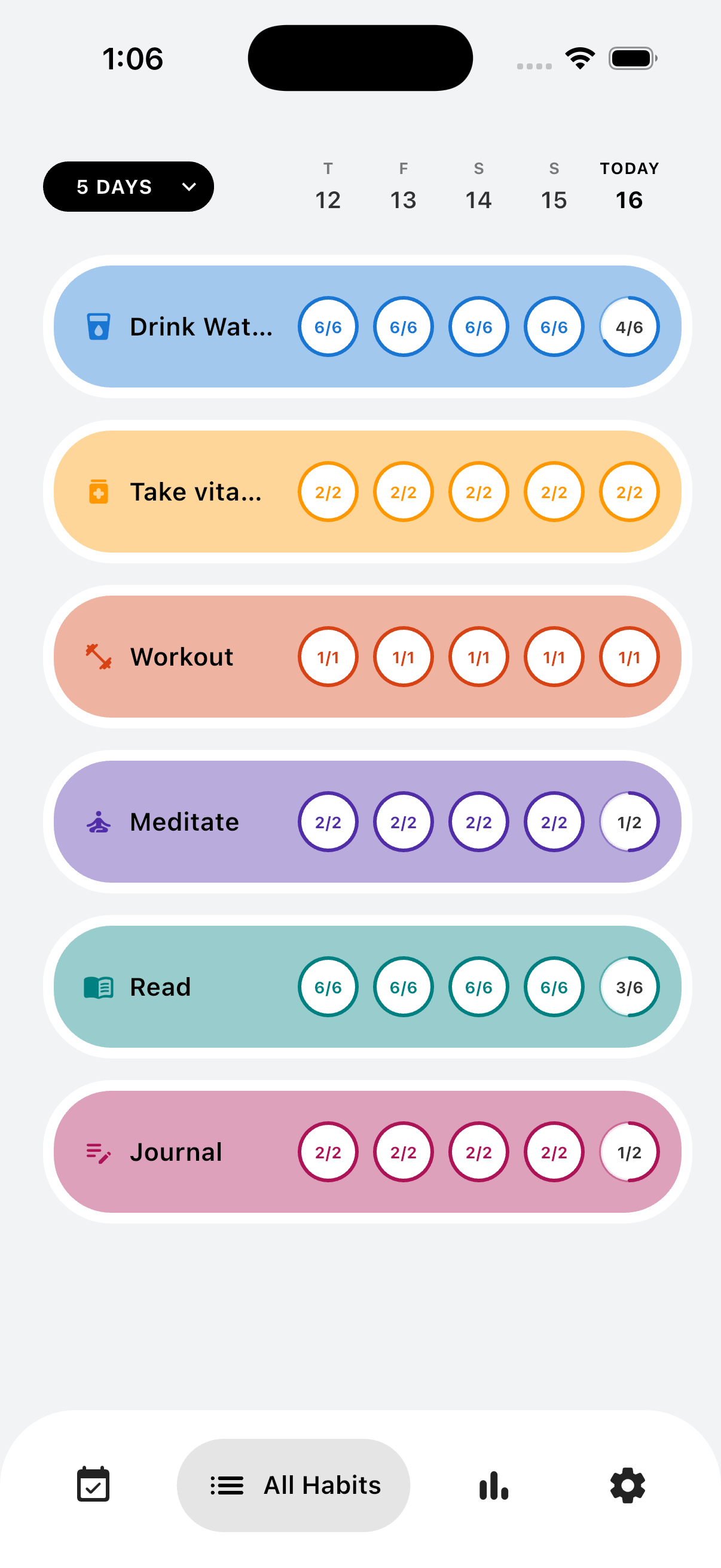
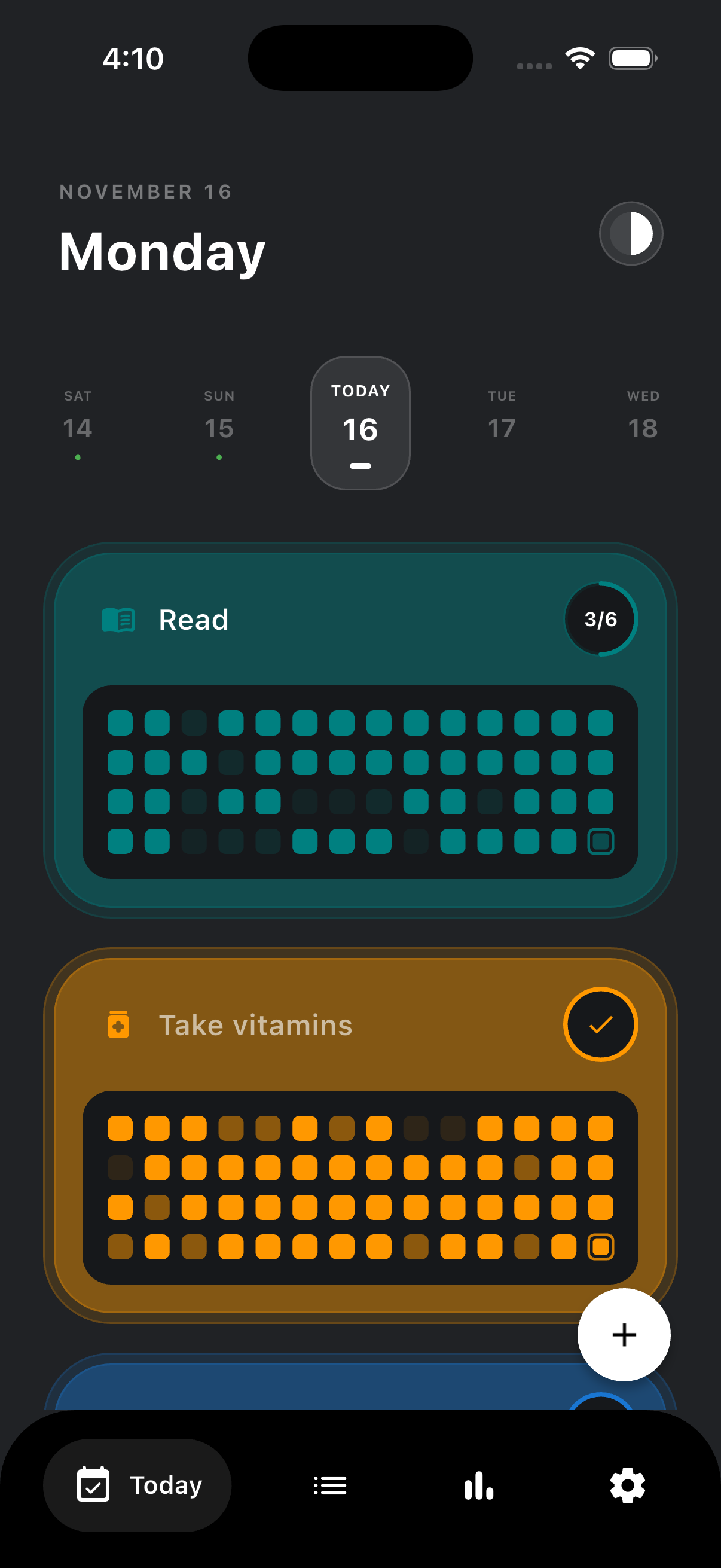
Choose light or dark.
Track your routine in the theme you prefer. Habitwise works offline, with no account required and no ads.
What our users say.
Amazing app. Does exactly what I want it to do. Looks great and is highly functional. Free plan covers most things you'd want with it which is great. Helping me grow massively
Been using this for a few weeks and it's genuinely helped me stay consistent. The weekly and monthly frequencies are amazing to customize my habits. Love it!
Really clean and minimal app for habit tracking. I've been using it daily and it does exactly what it promises without any clutter. Smooth experience and easy to stay consistent. Highly recommend.
FAQs
Can I schedule habits weekly or monthly?
Yes. Set daily, weekly or monthly schedules to fit routines that do not happen every day.
Can a habit have more than one completion in a day?
Yes. Habitwise supports multiple instances per habit. Use this for goals such as drinking several glasses of water or completing more than one session.
How do I mark a habit as complete?
Swipe right on a habit tile to mark a completion, or swipe left to mark it incomplete. Tap a habit to open its details, history, heatmap, and calendar.
Can I record a habit completion for an earlier date?
Yes. The interactive calendar supports retroactive logging, so you can record a completion for a past date and keep your history up to date.
How do habit heatmaps and streaks help me review progress?
Heatmaps show your completion history across dates, while streak tracking shows your current and best runs for each habit. Tap a habit to inspect its check-in history and calendar.
Which progress charts are included?
Habitwise includes Performance, Year Overview, Weekly Pulse, Routine Rhythm, Leaderboard and Streaks, offering different views of your completion history.
Can I set reminders for each habit?
Yes. Add reminders to your habits so you can keep track of the routines you want to follow.
Can I add notes to my habit entries?
Yes. Add personalized notes to individual habit entries to keep context or reflections alongside your completions.
Does Habitwise work offline without an account?
Yes. Habitwise works offline, has no ads, and does not require signup or login. Your habit data stays on your device.
Can I back up and restore my habit data?
Yes. Export your data to an offline backup file and use the import option to restore from a saved file.
Can I keep habits on my home screen?
Yes. Home screen widgets show a single habit or your daily summary, giving you a quick view of your routine.
What’s free, and what does Premium include?
Free includes unlimited daily habits, heatmaps, streaks, calendar logging, the Performance chart, one reminder per habit, and archiving and restoring habits. Premium adds weekly and monthly schedules, up to three reminders per habit, the full analytics set, entry notes, home screen widgets and offline file backup. Monthly, yearly and lifetime purchase options are available.
Can I pause a habit without deleting its history?
Yes. Archive an inactive habit and restore it when you want to track it again, keeping its history.
Habitwise
Start your next habit.
Set your routine. Make your next check-in.